 How-to
How to Watch Films Offline: A Step-by-Step Guide
Quick Summary
To watch films offline, open the app's details page for the film, tap the download icon, and wait for it to finish over Wi-Fi. Then find the title in the Downloads section and play it without a connection. Check that each title shows a download icon before you travel.
- Look for a down-arrow download icon on the film's details page.
- Titles showing only a play button stream online and cannot be saved.
- Start downloads over Wi-Fi rather than mobile data to avoid interruptions.
- Check free storage on your device before downloading, since films take real space.
- Re-download expired titles rather than assuming they are still playable.
Table of Contents
- Check Which Films You Can Download Before You Travel
- What Apps Let You Download Movies to Watch Offline
- How to Watch Movies Offline on Phone and Tablet
- How to Download Movies on Netflix to Watch Offline
- Why You Can't Download Movies on Netflix on Your Laptop
- Storage, Expiry Dates and Download Quality Explained
- Start Your Offline Film Library With a 7-Day Free Trial at BINGE
- Frequently Asked Questions
Check Which Films You Can Download Before You Travel
Last Updated: November 24, 2026
Downloading films for a trip only works if the title you want is actually available to download. Before you pack, check the catalogue inside the app. At BINGE Movies & TV, the library is built around independent and arthouse films, so a quick check now saves a frustrating search at the airport gate, especially if you plan to watch films offline during the journey.
Not every title carries a download option. Availability can change, so look at each film before you commit to it.
Spotting the download button on a movie details page
Open the film's details page and look for a download icon, often shaped like a down arrow. Tap it to start saving the film to your device. If you see only a play button, that title streams online only.
Quick checklist before you travel:
- Open the film's details page in the app
- Look for the download icon
- Confirm the title appears under your Downloads section
- Start the download while you still have Wi-Fi
What Apps Let You Download Movies to Watch Offline
Most major streaming services offer offline downloads, but they differ in catalogue, device support, download limits, and how long a saved title stays playable. A neutral comparison helps you pick based on your device and trip length rather than brand loyalty. You can find a dedicated roundup of which apps support downloads right here.
Here is how the common options compare on the factors that matter for offline viewing:
- BINGE Movies & TV: Lets you download titles for offline viewing, with a catalogue leaning toward independent and arthouse films that many mainstream services do not carry.
When comparing apps for a trip, check these points directly in each app's help pages:
- Which titles in your watchlist actually show a download icon
- The maximum number of downloaded titles per device and per account
- Whether downloads expire after a set window or require periodic sign-in
- Which devices and operating systems are supported for downloads
- How much storage a typical film uses at each quality setting
Download expiry windows vary, so check the details for each title before you leave.
How to Watch Movies Offline on Phone and Tablet
Watching offline is simple once you have downloaded a film. Make sure you have enough free space on your device first. Then follow the steps for your platform below.
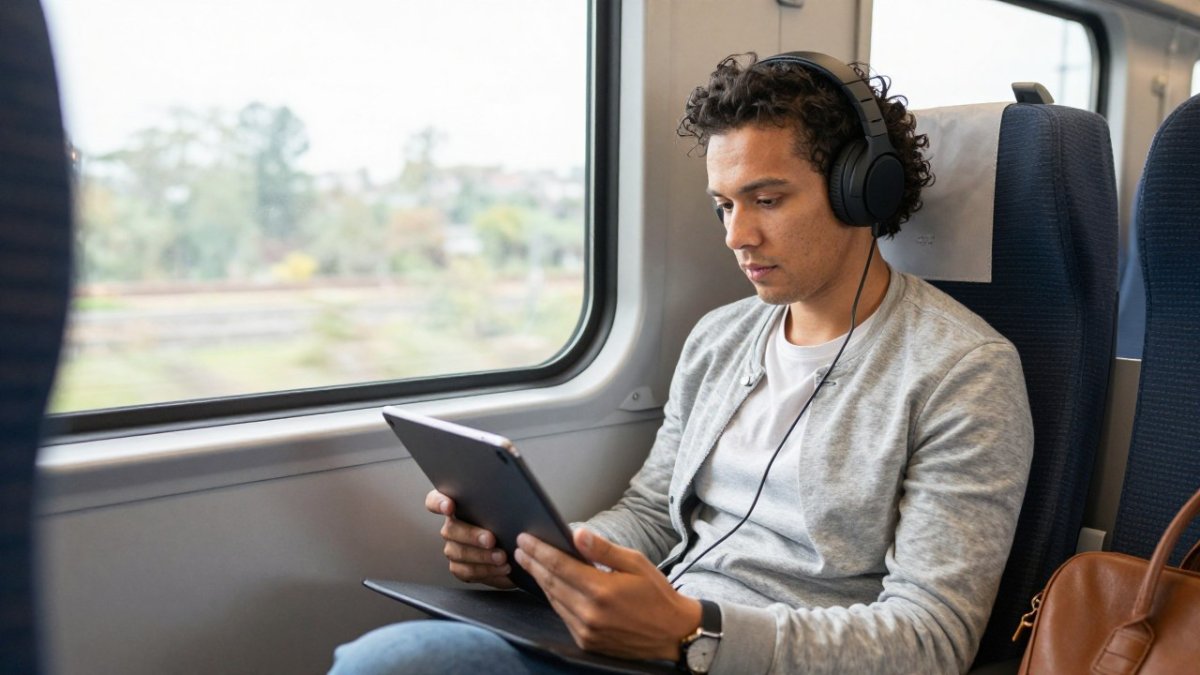
Steps for iPhone, iPad and Android
- Open the app and sign in to your account.
- Find the film and tap the download icon on its details page.
- Wait for the download to finish. Keep the device connected to Wi-Fi.
- Open the Downloads section to see your saved titles.
- Tap the film to play it.
A common mistake is starting a download on mobile data and then losing the signal halfway through. Use Wi-Fi where you can.
How to Download Movies on Netflix to Watch Offline
Netflix also supports offline downloads, but only for titles that Netflix has marked as available. The steps are similar to other apps: open the title, tap the download icon, and find it later in the Downloads menu. Check Netflix's own help pages for the current list of supported devices.
Why You Can't Download Movies on Netflix on Your Laptop
Many people try to download Netflix titles to a laptop and find the option missing. Netflix's offline downloads are designed for its mobile and tablet apps, so laptop browsers generally do not offer them. If you need offline viewing on a computer, check whether the service has a desktop app that supports downloads.
Storage, Expiry Dates and Download Quality Explained
Downloaded films take up real space, and the amount depends on runtime and quality setting, so check free storage on your device before a long trip. If you plan to save titles to several devices, these practical steps for managing device limits explain how to avoid extra fees.
Keep these points in mind:
- Check free storage before downloading and aim to leave a buffer for the app and system updates
- Note any expiry window shown on each title
- Re-download titles that have expired rather than assuming they are still playable
Before you download, the key points to keep in mind are summarised below.
| Point | What to do | Why it matters |
|---|---|---|
| Free storage | Check space before downloading | Downloaded films take up real space |
| Expiry window | Note the window shown on each title | Expired titles stop playing |
| Expired titles | Re-download rather than assume playable | Prevents playback failure on the trip |
| Quality setting | Choose quality knowing storage use varies | Storage per film depends on quality |
Start Your Offline Film Library With a 7-Day Free Trial at BINGE
Building an offline film library takes a little planning, but the payoff is worth it on a long flight or a train ride with no signal. BINGE Movies & TV offers a 7-day free trial, so you can test the downloads on your own device before you commit.
Pick a few titles you want to see, download them over Wi-Fi, and try watching them with no connection. To make sure those downloads actually get watched, read up on pacing your watchlist so you don't burn out. If the process works for you, your offline library is ready for your next trip.
Frequently Asked Questions
Which apps let you download movies to watch offline?
Many streaming apps let you download selected titles through the app itself. BINGE Movies & TV lets you download titles for offline viewing. Look for a download icon on the movie details page.
Why can't I download movies on Netflix on my laptop?
Netflix downloads are limited to its mobile apps for Android, iOS and Windows 10 and 11 devices. Netflix does not offer downloads through its web browser, so a laptop using the website cannot save titles offline. Check that you are using the Netflix app, that the title has a download icon, and that your plan and device allow downloads. Downloads can only be played in the app they were saved in.
Can you download movies on Netflix to watch offline?
Yes. Find a title with a download icon in the Netflix app, tap it, and choose a quality setting. Downloads appear in the Downloads section under the menu. Netflix sets expiry dates on downloaded titles, and you will need to reconnect to the internet from time to time to renew your licence. Make sure your device has enough free storage before you leave for a trip.
How do I watch movies offline on my phone without internet?
Open the app, find the film, and tap the download button before you lose connection, ideally on Wi-Fi. Download ahead of time, and keep an eye on your device's storage.