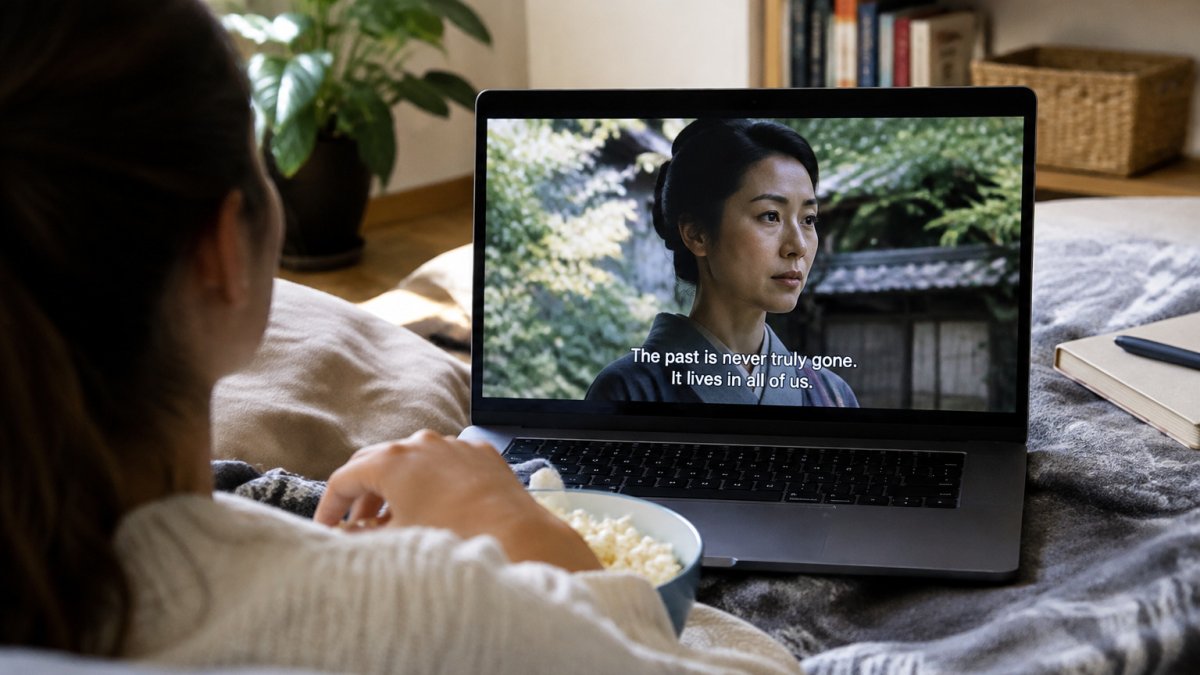
 how-to
How to Watch World Cinema with Subtitles Effectively
Last Updated: November 5, 2026
Quick Summary
To watch world cinema with subtitles, turn them on in the player or the title's settings and pick the track matching the spoken language. Start with simple films, pause or rewind when lines are dense, and let the picture carry meaning alongside the text.
- Pick the subtitle track that matches the spoken language, since it is transcribed from the original dialogue.
- Set a default subtitle language in your account settings so it applies to titles automatically.
- Read the subtitle, then look back at the scene for tone and body language the text cannot carry.
- Pause or rewind short sections when a line is dense, rather than replaying the whole scene.
- Start with one subtitled film a week and build up to more complex stories.
Table of Contents
- Why Subtitled World Cinema Rewards Careful Viewing
- How to Turn On Subtitles on Streaming Services
- Best Subtitle Settings for Movies
- How to Follow Subtitles While Watching a Movie
- Subtitles vs Dubbing for Foreign Films
- Building the Habit of Watching Foreign Films
- Start Your 7-Day Free Trial and Pick Your First World Film
- Frequently Asked Questions
Why Subtitled World Cinema Rewards Careful Viewing
Many films worth watching reward attention, and subtitles are the gateway to most of them. Learning to watch world cinema well is a skill, and it takes practice. The good news is that the core habits are simple.
Researchers have looked at whether subtitles help with language learning. A 2016 PLOS ONE study on watching subtitled films and foreign language learning found that viewing patterns depend on the kind of subtitles used. Intralingual subtitles, which show the same language being spoken, appeared to help participants, while native-language subtitles sometimes got in the way.
That finding matters for how you watch. Subtitles are not just a translation layer. They change how your attention is split between the image and the words.
How to Turn On Subtitles on Streaming Services
Turning subtitles on is the easy part; keeping them on, in the right language, and in sync is where most viewers get stuck. The exact menu path differs by device, so it helps to know the three places the control usually lives.
- In-player menu: Start the film, then press the subtitle or closed-caption icon on your remote or on-screen controls. This is the fastest route and usually offers the full list of available tracks.
- Title detail page: On many services, the language and subtitle options sit on the film's landing page before you press play, often under an audio or accessibility menu.
- Account-level settings: Some apps let you set a default subtitle language for every title you watch. Set it once and the service will apply it automatically where a matching track exists.
When a film offers more than one subtitle track, pick the one that matches the spoken language. A film in French with French, English, and Spanish subtitle options will usually have the most complete and accurate text on the French track, because it is transcribed from the original dialogue rather than translated from it. The English track is the one you want if you do not read French, but expect occasional condensation.
Watch out: some services reset your subtitle choice between titles or after an app update, so if captions suddenly vanish mid-series, check the in-player menu before assuming the film has no subtitles.
A few device-specific notes are worth knowing. On smart TVs, the subtitle button is sometimes a dedicated key on the remote rather than an on-screen icon, and pressing it cycles through tracks instead of opening a list. On streaming sticks and set-top boxes, the subtitle setting may live in the device's own accessibility menu rather than the app's, which means changing it in one place can override the app. On phones and tablets, subtitles are often toggled by tapping the screen once and looking for a speech-bubble icon.
If a film has no subtitle track at all, that is usually a licensing limitation rather than a bug. In that case, the practical options are to check whether another service carries the same title with subtitles, or to watch a different film from the same director or region. Building a short list of titles you have confirmed have subtitle tracks saves you from starting a film you cannot follow.
Best Subtitle Settings for Movies
Default settings work for most viewers, but a few tweaks can make reading easier:
- Font size: Choose a size you can read from your couch without leaning forward.
- Background: A solid or semi-transparent background keeps text readable over bright shots.
- Position: Keep subtitles at the bottom of the screen so they do not cover important action.
- Timing: If lines seem to lag, check whether your device or the subtitle file is out of sync.
Subtitle conventions also vary by country. A 2025 analysis of national subtitling standards notes that some guidelines favor slower subtitles that stay on screen longer and use more condensed text. Expect small differences from one film to the next.
How to Follow Subtitles While Watching a Movie
Reading subtitles while watching the picture is a skill most people build over time, and the viewers who get good at it stop treating the text as the main event. The trick is to let the subtitles do one job, carry dialogue and sound cues, while your eyes keep returning to the image for everything else. Many subtitled viewers find that after a few films, the text becomes less central and the picture carries more of the meaning.

Reading Without Losing the Image
Your eyes can move between the text and the picture quickly once you get used to it. Try these habits:
- Read the subtitle, then look back at the scene. The line tells you what was said; the frame tells you how it was said. A character's posture, the distance between two people, or the color of the room often carries the emotional weight the words leave out.
- Do not try to read every word of a fast line. Let the key words carry the meaning. Subtitlers condense dialogue by design, so the text is already a summary; chasing every word slows you down without adding information.
- Trust the picture when it repeats the dialogue. If a character says "I'm fine" while the camera holds on a shaking hand, the image is the more reliable narrator. Subtitled cinema rewards viewers who notice that gap.
- Watch for what the subtitles cannot carry. Tone, accent, and overlapping dialogue are flattened in text. When a scene depends on how something is said, rewind and listen to the original audio even if you do not speak the language, the performance often reads anyway.
This is where subtitled world cinema differs from a Hollywood blockbuster. Big-budget films often use dialogue to explain the plot, so missing a line costs you little. Art-house and independent films frequently use silence, framing, and composition to carry meaning, which means the subtitle track is a smaller part of the total information. Learning to watch the image as actively as you read the text is the real skill, and it is the same skill critics use when they break down a scene.
Pausing, Rewinding, and Rewatching Scenes
Do not feel bad about pausing. A quick rewind is one of the best tools for a difficult film.
- Pause when a line is dense. Read it again, then look at the frame before pressing play. The pause is where you catch the detail the subtitle compressed.
- Rewind a short section if you missed a plot point. Thirty seconds is usually enough; rewinding the whole scene tends to break the mood.
- Rewatch a favorite scene later with fresh eyes. Now that you know the story, you can watch the image instead of the text and see how the director built the moment.
- Rewatch the opening ten minutes of a film you found confusing. Openings often plant visual information, a recurring object, a color, a framing choice, that only makes sense once you know the ending.
Rewatching is where many people catch details they missed the first time, and it is also where the subtitle habit stops feeling like work. Once you know what the characters are saying, you can give the image your full attention and notice how the cinematography, blocking, and editing were doing narrative work all along.
Watch out: if you find yourself rewinding the same kind of scene repeatedly, fast overlapping dialogue, heavy accents, dense exposition, the problem may be the subtitle track rather than your reading speed. Switching to a different track or a different translation can sometimes resolve it.
Subtitles vs Dubbing for Foreign Films
Subtitles and dubbing each have fans. Market research shows that GWI's data on foreign-language media viewing preferences finds most foreign-language viewers prefer subtitles, though preferences differ by country. Some surveys also show many people prefer dubbing, especially in certain markets.
Subtitles keep the actors' original voices and performances. Dubbing can feel smoother if you want to watch without reading. The right choice depends on what you value most in a film.
The two main approaches to foreign-language films differ in what they keep and how they feel to watch.
| Approach | Keeps | Key difference |
|---|---|---|
| Subtitles | Original actor voices and performances | Requires reading along with the picture |
| Dubbing | Smoother viewing without reading | Replaces the original voices |
| Subtitles (most surveyed viewers) | Preferred by most foreign-language viewers | Preference varies by country |
| Dubbing (some markets) | Preferred by some surveyed viewers | Popular in certain markets |
Building the Habit of Watching Foreign Films
Start small. Pick one subtitled film a week and give it your full attention. Choose films with strong visuals or simple plots, then move to more complex stories as your reading speed improves.
Keep a short list of films you want to see and check it when you are ready to watch.
Start Your 7-Day Free Trial and Pick Your First World Film
Ready to try it? Start your 7 day FREE Trial with BINGE Movies & TV and explore independent films from around the world. Our anchor words guide lists beginner-friendly picks to help you choose your first title, and our article on streaming services for independent films can help you compare options before you commit.
Frequently Asked Questions
How do you watch a movie with subtitles?
Open the film, select the playback or audio and subtitles icon, and choose a subtitle track in the original language or your own. Many streaming apps also let you set a default subtitle language in account or profile settings so it appears automatically. If the text is hard to read, adjust the size and background in the subtitle appearance options. Start with a short scene to check that the timing and font suit you before committing to a full feature.
How can I keep up with subtitles without missing what is happening on screen?
Read the subtitles in a quick sweep, then return your eyes to the image, since the picture often carries meaning the text does not. Pick films with clear, well-timed subtitles and avoid watching while doing other tasks. Pausing briefly after dense dialogue helps you catch up without losing the thread. Over several films, most viewers find their reading speed adjusts and the flow feels natural.
Should I use subtitles or dubbing when watching foreign films?
Subtitles keep the original performances, voices and cultural references intact, which is why many cinephiles prefer them. Preferences vary by country, and some viewers still choose dubbing. Dubbing can reduce reading effort but changes the sound of the performance. For world cinema, subtitles are usually the closer way to experience the director's intended film.
What subtitle settings make films easier to watch?
Choose a font size large enough to read from your seat, a high-contrast text colour, and a semi-transparent background box so the words stay legible over bright or busy images. Turn off styling options that override the filmmaker's presentation if they distract you. Test your settings on a short scene and adjust once you know how your screen and room lighting affect readability.