 comparison
Is HD Streaming Worth It on Mobile? What to Expect
Table of Contents
- SD, HD and 4K: What the Resolutions Actually Mean
- 720p vs. 1080p on a Phone: Can You Actually See the Difference?
- Mobile Streaming Data Usage by Quality and Viewing Time
- Best Video Quality for Mobile Streaming by Viewing Situation
- Streaming Quality on iPhone: Settings and Connection Tips
- Choosing Your Mobile Quality Setting for Your Next Film
- Frequently Asked Questions
Last Updated: November 8, 2026
Most people assume that higher resolution always means a better viewing experience, but on a phone that assumption deserves a closer look. Is hd streaming mobile really worth it, or are you paying extra data for a difference your eyes can't see? This guide from BINGE Movies & TV walks through what the resolutions actually mean, how much data they use, and when the upgrade is worth the cost. If you are still deciding which service fits how you watch, read how to choose a subscription video on demand service.
HD streaming on a phone uses noticeably more mobile data than standard definition, and on a small screen the visible gain is smaller than many people expect. Data use climbs sharply from standard definition to 1080p and then to 4K, and that gap matters on a limited data plan.
Our view is simple: hd streaming mobile is usually worth it when you have enough data, a steady connection, and a film you want to see in detail. For casual viewing on a tight plan, standard definition often does the job.
SD, HD and 4K: What the Resolutions Actually Mean
Standard definition (SD) is the lowest common streaming tier, typically around 480p. High definition (HD) usually means 720p or 1080p, and 4K or UHD means 2160p. Each step adds more pixels, which allows finer detail but requires more data to deliver.
Connection speed is the practical limit. If your connection can't sustain the speeds a given resolution needs, the player drops quality automatically, which is why a "HD" stream sometimes looks soft.
720p vs. 1080p on a Phone: Can You Actually See the Difference?
On most phones, 720p and 1080p look very similar at normal viewing distance, but 'very similar' is not 'identical.' The difference becomes visible under specific conditions: fine textures (hair, fabric, foliage), distant text or signage, high-contrast edges, and scenes with lots of small detail. It is hardest to spot on a small screen held close to your face, and easiest to spot on a large, high-resolution phone in a bright room.
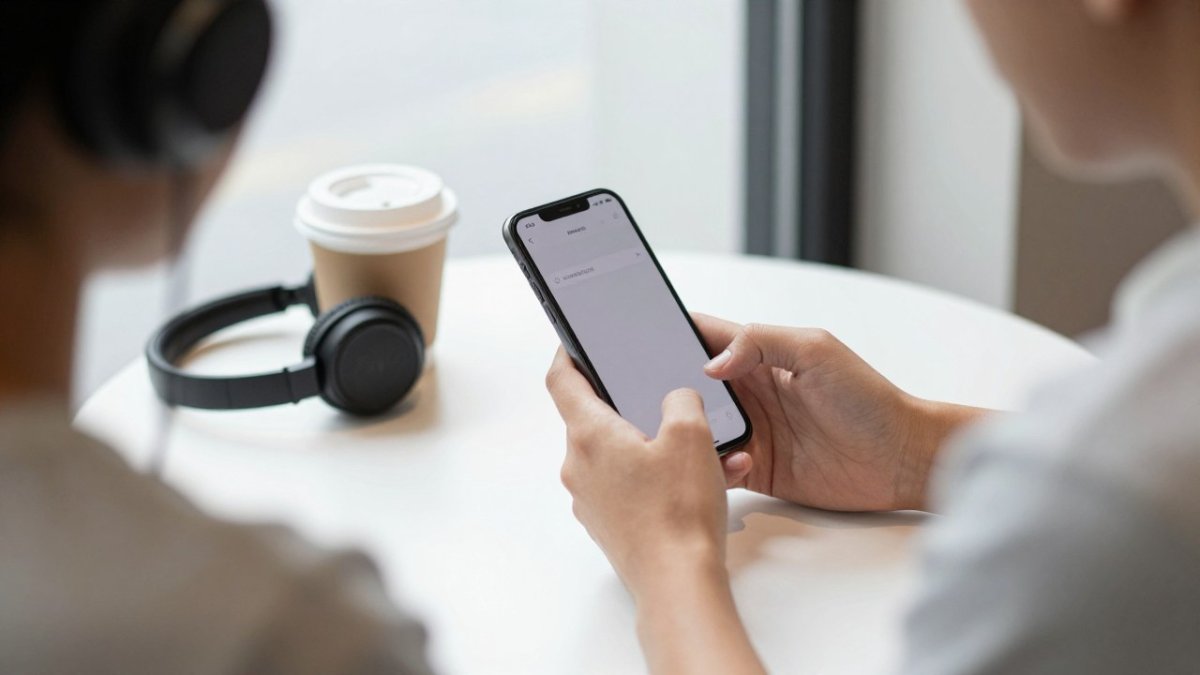
How Screen Size, Pixel Density and Viewing Distance Change What You See
A phone's pixel density is high, often above 400 pixels per inch, but the screen is small and held about 30 to 40 centimetres from the eyes. At that distance, the eye can only resolve so much detail: the angular size of a single pixel on a 1080p phone is already near the limit of human visual acuity for many viewers. That is why a 720p stream on a modern phone often looks sharp enough for most scenes, and why the 1080p advantage shows up mainly in edge cases rather than every frame.
Three practical factors decide whether you will see the difference:
- Screen size and pixel density: A 6.7-inch 1080p phone has a higher pixel density than a 6.1-inch 720p phone, so the same 1080p stream has more room to show detail on the larger, denser screen. On a small, lower-density phone, 720p and 1080p can look nearly identical.
- Viewing distance: Holding the phone closer than about 30 cm makes individual pixels easier to resolve, so 1080p gains an edge; holding it farther away (arm's length on a table) narrows the gap.
- Brightness, ambient light and eyesight: A bright screen in a dim room increases perceived contrast and can make compression artifacts more visible, while a dim screen in bright sunlight hides fine detail regardless of resolution. Viewers with corrected-to-normal eyesight are more likely to notice the difference than those with uncorrected refractive error.
A useful test is to pause a detailed scene (a wide landscape, a crowd, or text on a sign) and switch between 720p and 1080p in the same app. If you cannot see a difference at your normal holding distance and brightness, 720p is the better data trade-off for you. If you can, 1080p is worth it on Wi-Fi and worth considering on cellular only if your plan has headroom.
The honest answer is that it depends on your phone, your eyes, and your viewing conditions, not on the resolution number alone.
Mobile Streaming Data Usage by Quality and Viewing Time
Data use scales with both resolution and duration, and the exact number depends on the codec and whether the stream is adaptive. The figures below are planning estimates and should be treated as ranges, not guarantees.
| Quality | Typical bitrate | Approx. data per hour | Two-hour film | Best for |
|---|---|---|---|---|
| SD (480p) | ~0.7-1.5 Mbps | ~0.3-0.7 GB | ~0.6-1.4 GB | Tight data plans, travel |
| HD (720p) | ~2.5-3.5 Mbps | ~1.1-1.6 GB | ~2.2-3.2 GB | Most phone viewing |
| Full HD (1080p) | ~4.5-6 Mbps | ~2-2.7 GB | ~4-5.4 GB | Large phones, good Wi-Fi |
| 4K/UHD | ~15-25 Mbps | ~7-11 GB | ~14-22 GB | Compatible TVs, unlimited data |
Moving up a resolution step can multiply the data a film uses. On a capped monthly plan, a single long 4K film or several HD films can consume most of your allowance. That is the real cost of HD on mobile data: not the per-hour figure, but how quickly it compounds across a month.
To translate data into money, check your plan's overage rate or throttling threshold. If your carrier charges for each additional gigabyte, a 1080p habit of two films per week (about 8-10 GB per month) can push you into overage territory on a capped plan. On Wi-Fi, the same viewing costs nothing extra, which is why the practical rule is to reserve HD for Wi-Fi and drop to SD or 720p on cellular unless you have unlimited data.
Watch out: auto-quality settings can silently upgrade a stream to 1080p or higher when the connection improves, so a film you started on SD may finish on HD and use more data than you planned. Check the app's quality setting before a long session on cellular.
Battery, Heat and Connection Quality Trade-Offs
Higher resolutions also demand more processing. Higher resolutions can warm a phone and drain the battery faster, especially in a warm room or during a long session. The effect is partly decoding load and partly screen brightness: a brighter screen to appreciate HD detail draws more power than the resolution change alone. Connection quality matters too: on a weak signal, a higher setting may buffer or stutter, and adaptive streaming may repeatedly switch quality, which can use more data than a steady lower stream. A stable 720p stream often delivers a better experience than a fluctuating 1080p one.
Best Video Quality for Mobile Streaming by Viewing Situation
The right setting depends on where and how you watch:
- Commuting on mobile data: SD or 720p to protect your allowance.
- Home on Wi-Fi with a large phone: 1080p gives the best balance.
- Travelling with offline downloads: Download in HD before you leave, since offline files avoid streaming data entirely.
- Watching on a TV via a streaming device: 4K is worth it if your screen and connection support it.
Watch out: if you rely on mobile data, leaving auto-quality on can push a film into a high setting without you noticing, so check the setting before a long session.
Streaming Quality on iPhone: Settings and Connection Tips
On an iPhone, check the streaming app's own quality or data-usage settings first, since these override the device defaults. Set cellular and Wi-Fi quality separately where the app allows it. Keep the phone on a strong Wi-Fi network for HD, and close background apps that compete for bandwidth.
BINGE Movies & TV supports offline downloads, so you can save titles over Wi-Fi and watch them on a flight or train without using mobile data.
Choosing Your Mobile Quality Setting for Your Next Film
Start by asking three questions: how much data do you have, how good is your connection, and how large is your screen? If the answer to the first is "not much," choose SD or 720p and save HD for Wi-Fi. If you have ample data and a steady connection, HD is a sensible default on a modern phone.
For cinephiles who want to watch independent and festival films without a data headache, the best approach is to download on Wi-Fi and keep HD for the sessions where the detail matters most. A film with rich cinematography, such as a moody black-and-white drama, is where a sharper picture pays off.
Ready to watch on your terms? Start your 7 day FREE Trial at BINGE Movies & TV and stream or download curated independent films on the device you already carry.
Frequently Asked Questions
Is 4K or HD better on phones?
For most phone viewing, HD (1080p) is the more practical choice. Phone screens are small, so the extra detail in 4K is hard to see at normal viewing distances, while 4K uses substantially more data. 4K uses substantially more data than HD while the extra detail is hard to see on a phone at normal viewing distances. Unless your phone has a high-resolution display and you are watching at close range, HD gives you most of the visible benefit at a much lower data cost.
Is 720p good enough for a phone?
Often, yes. On a smartphone screen, 720p can look sharp enough for most films, especially if you watch at arm's length on a small display. 720p generally needs less connection speed than 1080p. If you are short on mobile data or have a weak connection, 720p is a reasonable compromise. Watch on a larger screen if fine detail, such as dark scenes or subtitles, matters to you.
How much data does HD streaming use on mobile?
HD and especially 4K streaming can use a large amount of data per hour, and actual use depends on the service and your settings. A long film in HD can quickly exhaust a limited mobile data plan. Lowering the quality setting or downloading titles over Wi-Fi are the simplest ways to reduce this.
Should I stream in HD on a small phone screen?
It depends on your data plan and how closely you watch. On a small screen, the difference between HD and standard definition is less obvious than on a television, so many viewers will not notice much change. If you have unlimited data or a strong connection, leaving streaming on HD is harmless. If data is limited, choosing a lower setting for everyday viewing and saving HD for Wi-Fi is a sensible approach.