
 ultimate-guide
How to Watch Festival Films Online: 2026 Guide
Table of Contents
- What You'll Need Before You Start Streaming
- Step 1: Choose Your Virtual Cinema Platform
- Step 2: Purchase Digital Festival Passes or Tickets
- Step 3: Set Up Your Devices for Streaming Festival Films Online
- Step 4: Handle Geo-Blocking and Regional Restrictions
- Step 5: Troubleshoot Common Streaming Problems
- The Best Independent Film Streaming Services for Festival Content
- How to Support Independent Filmmakers While Streaming Online
- Frequently Asked Questions
Last Updated: October 2, 2026
What You'll Need Before You Start Streaming
You don't need much to watch festival films online, but a few basics separate a smooth screening from a frustrating one. According to Festagent's global festival database, more than 1,500 film festivals are tracked worldwide, and a growing share of them now run virtual cinema programs alongside their physical events. That's the good news. The catch is that access is scattered across dozens of festival portals and platforms, each with its own rules.
- A stable connection of at least 10 Mbps for HD playback and 25 Mbps for 4K where offered
- A free account on the festival's ticketing platform (most require registration before purchase)
- A supported device, which is usually a browser, smart TV app, or mobile app
- A payment card or digital wallet for ticketed screenings
- A calendar reminder, because virtual screening windows are often 48 to 72 hours only
Step 1: Choose Your Virtual Cinema Platform
The right platform depends on whether you want a single festival's lineup or a permanent library of festival films. There are three types.
| Platform Type | Access Window | Best For | Typical Cost Model |
|---|---|---|---|
| Festival-run portal | Days to weeks | Catching one specific event | Per-film or all-access pass |
| Aggregator | Year-round, per event | Hybrid festival fans | Per-event ticket or pass |
| Curated subscription | Ongoing library | Year-round independent film | Monthly subscription |
Step 2: Purchase Digital Festival Passes or Tickets
Buying access is straightforward once you know the two purchase models. Individual tickets unlock one film for its screening window. Passes unlock a bundle, either a festival's full virtual lineup or a tiered package.
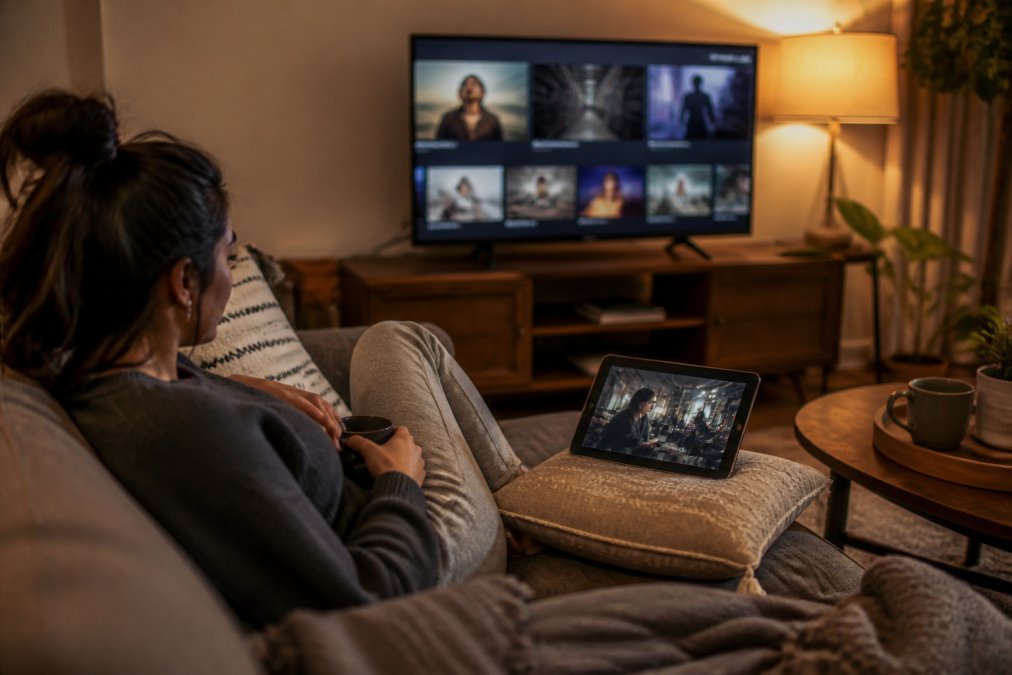
Step 3: Set Up Your Devices for Streaming Festival Films Online
Device support is where virtual festivals vary most, so check compatibility before you buy. Most festival portals run in a browser, so laptops, desktops, and most tablets work. Dedicated apps are less universal, and smart TV support is the weakest link.
The technical requirements most guides skip
Festival players are built by small ticketing vendors, not Netflix-scale engineering teams, so they're pickier than mainstream apps. A few requirements trip up more viewers than any other:
- Bandwidth. Plan on 10 Mbps for 1080p and 25 Mbps for 4K. Festival streams are often single-bitrate rather than adaptive, so a dip causes a full stall instead of a quality drop. Wired Ethernet or 5 GHz Wi-Fi is worth the setup.
- Browser. Chrome, Edge, Firefox, and Safari handle most festival players, but older Safari versions and browsers with aggressive tracking protection can block the DRM module festival portals rely on. If a film won't start, try a clean Chrome profile before assuming the stream is broken.
- DRM and ad-blockers. Festival films are almost always DRM-protected. Ad-blockers, script blockers, and some privacy extensions interfere with the license handshake and produce a black player with no error message. Whitelist the festival domain.
- Casting hardware. Chromecast and AirPlay are the two casting paths most portals support, and both require the phone or laptop and the TV on the same Wi-Fi network. Google Cast from a Chrome tab works when a portal has no native cast button, but DRM titles sometimes block tab-casting.
- Smart TV apps. Native apps exist for Apple TV, Android TV, and some Samsung and LG sets, but coverage is inconsistent. When in doubt, assume browser-plus-cast is the reliable path.
Offline viewing and downloads
If you're watching on a phone or tablet, download the film in advance where the platform allows it. Offline viewing matters more than people expect: commutes, flights, and patchy hotel Wi-Fi are exactly when you'll want to finish a film you started. Some portals disable downloads entirely to protect the screening window, so confirm first.
Step 4: Handle Geo-Blocking and Regional Restrictions
Geo-blocking is the single biggest frustration in festival streaming, and it's driven by film rights, not platform laziness. Distributors license films territory by territory, so a title cleared in one country may be locked in another until its distribution window opens.
Why the lock exists (and why it isn't going away)
A festival's virtual program is usually licensed for a specific list of countries, negotiated title by title. Sales agents sell rights in bundles, North America, Europe, Asia-Pacific, and a festival streaming worldwide without those rights exposes itself to legal risk. That's why the same film can be watchable in Toronto and blocked in Manchester on the same weekend, and why the block is often temporary: once a distributor picks up the title for wider release, the geo-restriction usually lifts.
What actually works, in order of reliability
- Check the festival's own FAQ first. Many note which regions a virtual program is licensed for, saving you a purchase you can't use.
- Look for global-rights platforms. Some services, including BINGE Movies & TV, license titles for worldwide streaming to avoid the geo-blocking headache entirely.
- Wait for the window to open. A film locked today is often available on a subscription service months later. Set a reminder on the title's distributor page.
- Contact the festival directly. If you bought a ticket and then traveled, some festivals will refund or swap the ticket. It's worth one email.
The VPN question, answered honestly
VPNs are the most-searched workaround and the most misunderstood. Two things are true:
- Using a VPN to bypass geo-restrictions usually violates the platform's terms of service. Festival portals and streaming services can suspend accounts, void tickets, and pursue chargebacks when they detect it.
- A VPN does not create rights that don't exist. If a film isn't licensed in your territory, watching it via a VPN is still an unlicensed view, the same legal gray zone as piracy, with extra steps.
Step 5: Troubleshoot Common Streaming Problems
Most streaming failures trace back to four causes: bandwidth, browser, account, or window. Work through them in that order.
The Best Independent Film Streaming Services for Festival Content
The best independent film streaming services fall into two camps: festival-specific portals that serve one event, and curated subscription platforms that keep festival cinema available year-round.
When you're comparing options, judge them on five criteria:
- Library depth and refresh rate. How many new titles arrive each month?
- Global rights. Does the service carry worldwide streaming rights, or is it region-locked?
- Offline viewing. Can you download titles for travel?
- Device support. Does it cover your TV, tablet, and phone without extra fees?
- Curation quality. Is the catalog genuinely selected, or just a thin slice of studio back-catalog?
How to Support Independent Filmmakers While Streaming Online
Watching legally is the most direct way to support independent filmmakers. Every legitimate stream, rental, or subscription view feeds the revenue that funds a filmmaker's next project. Piracy doesn't just deprive creators of income; it distorts the licensing data distributors use to decide which films get wider release.
- Watch through official channels. Festival portals, licensed platforms, and subscription services all pay rights holders. Unofficial streams do not.
- Rate and review what you watch. Visibility drives discovery, and discovery drives acquisition deals.
- Attend virtual Q&As. Live-streamed Q&A sessions signal audience demand to festivals and distributors.
- Share titles you love. Word of mouth is still how most independent films find their audience.
- Buy direct when offered. Some filmmakers sell virtual tickets or merchandise through their own sites.
Frequently Asked Questions
Can I watch festival films online after the event has ended?
It depends on the festival and the film's distribution plan. Some festivals, like the Direct Monthly Online Film Festival, keep selected films available on their website indefinitely. Others, such as the Boulder International Film Festival, limit virtual screenings to a specific window (e.g., April 13-24, 2026). Many filmmakers restrict online access to preserve a film's 'festival premiere' status, often delaying wider release for a year or more. Check the festival's virtual cinema page for exact availability dates.
What are the best independent film streaming services for festival content?
Dedicated platforms like Eventive and Highball.TV aggregate festival-selected films for home viewing. Eventive powers virtual cinemas for major festivals like Sundance and the New Jersey Film Festival, offering on-demand and live-streamed Q&A options. Highball.TV focuses on curated independent films. BINGE Movies & TV is another option, providing a curated selection of award-winning festival favorites and hidden gems, with offline viewing across devices. Each service has different licensing deals, so check their current catalogs.
How do I support independent filmmakers when watching online?
Pay for legitimate tickets or subscriptions rather than using pirated streams. Many festivals and platforms share revenue directly with filmmakers. You can also vote with your attention: watch films during their festival window, leave reviews, and share recommendations on social media. Some platforms, like BINGE Movies & TV, add new independent films daily, ensuring your subscription fees help sustain emerging creators. Avoid geo-blocking workarounds that violate terms of service, as they may deprive filmmakers of rightful revenue.
Is Eventive a legitimate streaming platform for film festivals?
Yes, Eventive is a legitimate platform used by major festivals including Sundance and the New Jersey Film Festival. It provides browser-based streaming and app-based viewing for ticketed events. Films are typically available only during the festival's designated dates, and access requires user registration and a valid pass or ticket. The platform also supports live-streamed Q&A sessions and casting to TV. Always purchase through official festival links to ensure your money reaches the organizers and filmmakers.