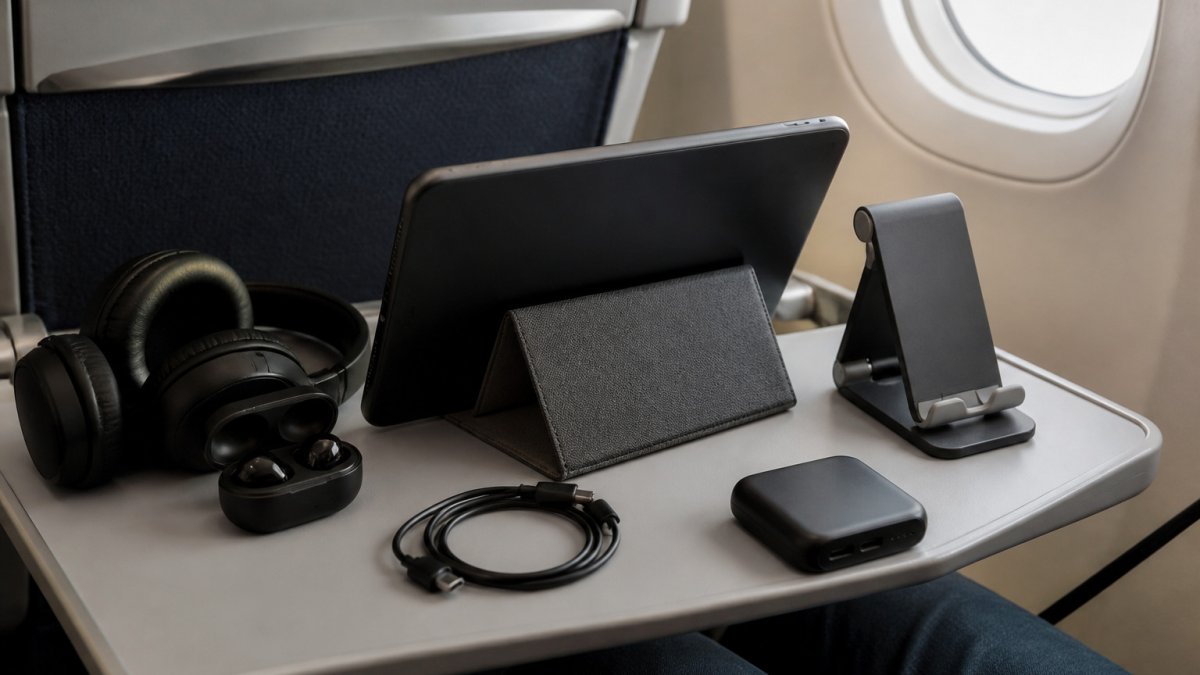
 listicle
9 Best Tablet Accessories for Watching Movies on Planes
Last Updated: October 30, 2026
Quick Summary
The best tablet accessories for watching movies on planes are a secure holder, noise-canceling headphones, and a power bank, paired with films downloaded for offline viewing. A stable mount keeps the screen at eye level and your hands free, while headphones cut engine noise. Choose a holder that matches your seat and tablet width.
- Seatback and tray-table mounts keep the screen steady at eye level.
- Check the mount's clamp range against your tablet's width before buying.
- Noise-canceling headphones let you keep volume lower over long flights.
- Download films on Wi-Fi before flying so they play without a signal.
- Stow clamp-on mounts during turbulence, meals, and crew instructions.
Table of Contents
- Why the Right Tablet Accessories Change Your Flight
- Best Tablet Holders for Airplane Travel
- Headphones and Audio for Cabin Noise
- Comparing Tablet Accessories Side by Side
- How to Download Movies to a Tablet for a Flight
- Power, Safety and Airline Rules to Check Before You Fly
- Building Your Movie Kit and Planning Your Next Flight
- Frequently Asked Questions
Watching a movie on a long-haul flight is only as good as the setup in front of you. A tablet propped on a crumpled blanket or balanced on a knee tends to slide, strain your neck and drain your arms within twenty minutes. The right tablet accessories change that. This guide looks at the tablet accessories that actually help on a plane, and how to pair them with offline viewing so the film runs without a signal at cruising altitude.
Why the Right Tablet Accessories Change Your Flight
Most cabin viewing problems come from positioning, not the screen. A stable angle keeps your neck neutral and your hands free for snacks. Good tablet accessories solve that in a small, lightweight package. Think of them as the difference between watching a film and wrestling with one.
Best Tablet Holders for Airplane Travel
A holder is the single most useful accessory for watching movies on a plane, because it solves the two biggest problems in the cabin: keeping the screen at eye level and keeping your hands free. The right choice depends on where you want the tablet to sit, clipped to the seatback in front of you, resting on the tray table, or balanced on your lap, and on the seat design of the airline you fly.
Seatback and Tray-Table Mounts
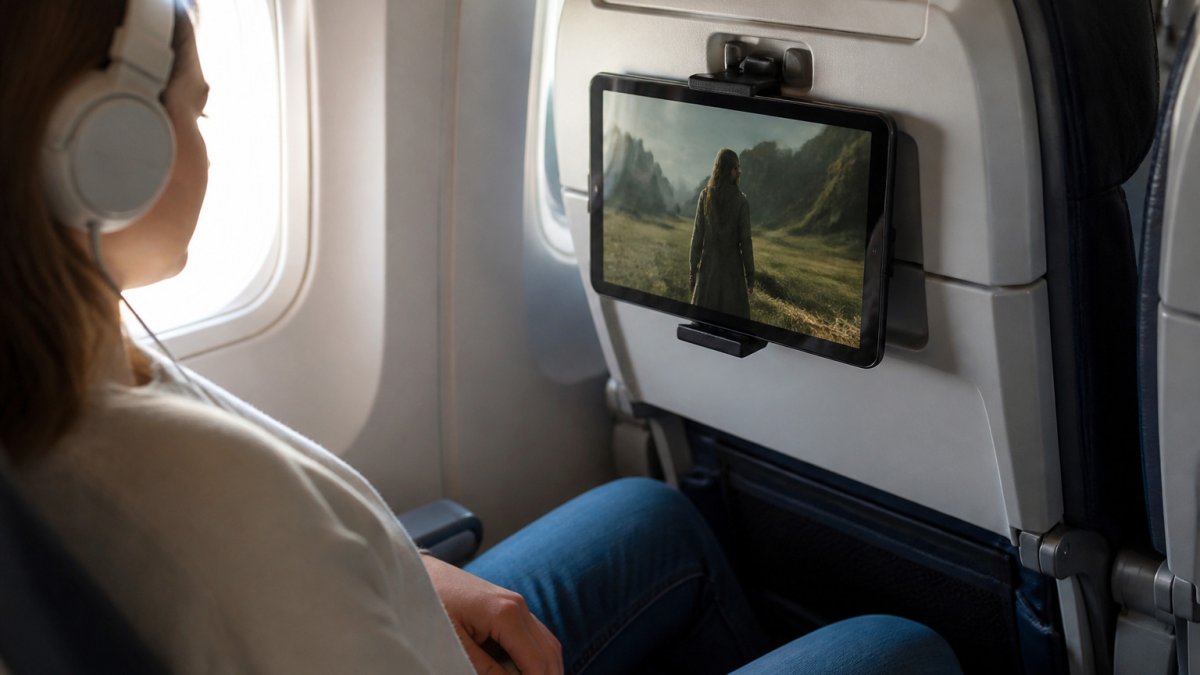
Seatback mounts clamp onto the folded tray table or the seatback itself and hold the tablet at roughly eye level. The critical spec is the clamp range: many mounts are built for phones and small tablets, so check the manufacturer's minimum and maximum grip width against your tablet's width before you buy. A mount that barely opens wide enough will feel unstable in turbulence.
Tray-table stands sit on the tray and angle the tablet toward you. They work on most airline trays, but tray depth and latch design vary by carrier and aircraft, so a stand with a wide, non-slip base is more forgiving than a narrow one. Test the hold at home on a similar surface before you fly, and avoid any mount that relies on a lip the tray does not have.
Stand Cases and Foldable Stands
A stand case combines protection and support in one object. The case folds into a kickstand that props the tablet at a fixed angle, which suits short-haul flights and lap viewing. Foldable stands are lighter and take up less room in a bag, but they usually offer fewer angle options. For a long flight where you want a stable, adjustable view, a stand case with multiple positions is the better choice.
Matching the Mount to Your Seat and Flight
The best mount is the one that fits your seat, your tablet, and your viewing style. Use these use-case recommendations as a starting point:
- Bulkhead seats: Tray tables often fold out from the armrest and sit closer to your body, so a compact tray-table stand or a lap stand works better than a seatback clamp.
- Children: A seatback mount or a stand case keeps the screen steady and at a safe distance, and it frees a parent's hands. Choose a mount with rounded edges and no small detachable parts.
- Compact tablets: Check the clamp range carefully, many seatback mounts are sized for 7-11 inch tablets, and smaller devices can slip.
- Shared viewing: A tray-table stand with a wide base lets two passengers angle the screen between seats, though keep the volume low or use a headphone splitter.
- Travelers who prefer not to attach anything: A weighted lap stand or a stand case avoids clamps entirely and is the least intrusive option for the seat in front.
Safety, Etiquette, and Turbulence
A secure mount is a safe mount. During turbulence, stow the tablet and any clamp-on accessory, a tablet that falls from a seatback mount can injure the passenger in front or the person beside you. Avoid any mount that blocks your view of the crew, the aisle, or the emergency exit, and keep the screen angle comfortable for the passenger behind you. Use headphones so your audio does not disturb neighbors, and check your airline's rules on device use during takeoff and landing, since policies vary by carrier.
What to Check Before You Fly
- Measure your tablet's width and compare it to the mount's clamp range.
- Confirm the mount fits the tray-table or seatback design on your aircraft type.
- Test the hold at home on a similar surface.
- Pack a microfiber cloth and a small screen cleaner, tray tables and seatbacks are not always clean.
- Keep the mount in your personal item, not checked luggage, so it is available for the whole flight.
Headphones and Audio for Cabin Noise
Engine drone hides quiet dialogue, so audio matters as much as the picture. Noise-canceling headphones for flying reduce that low hum and let you keep the volume lower, which is easier on your ears over several hours. Over-ear models offer the most isolation, while earbuds fit better in a crowded seat pocket. Whichever you choose, download the film with its audio track and check that your headphones connect before takeoff.
Comparing Tablet Accessories Side by Side
Most guides compare tablets, not accessories. This table compares the accessories themselves on the factors that matter in a cabin: how they hold the tablet, how much space they take, which seats they suit, and what to watch out for. Use it to match an accessory to how you fly rather than to a generic "best" label.
| Accessory | Best For | Stability | Portability | Seat and Tray Compatibility | Watch Out For |
|---|---|---|---|---|---|
| Seatback mount | Viewing without holding | High | Medium | Clamps to folded tray table or seatback; check clamp range against tablet width | Can block the seat in front if angled poorly; stow during turbulence |
| Tray-table stand | Meals and movies together | Medium | High | Works on most trays; wide base helps on shallow or latched trays | Wobbles on uneven surfaces; must be folded away for meal service |
| Stand case | Protection plus angled viewing | High | High | Sits on tray or lap; no clamping needed | Fixed angles may not suit every seat height |
| Foldable stand | Light packing | Medium | Very high | Sits on tray or lap; best for compact tablets | Fewer angle options; can slide on smooth trays |
| Weighted lap stand | Travelers who avoid attaching anything | Medium | Low | Works in any seat, including bulkhead | Takes up lap space; less stable in turbulence |
| Noise-canceling headphones | Cabin noise | Not applicable | High | Fits any seat; over-ear models need space in the seat pocket | Earbuds may not isolate enough on loud aircraft |
| Power bank | Long-haul battery life | Not applicable | Medium | Keep in personal item; check airline rules on portable batteries | Capacity limits vary by airline; must be accessible for inspection |
Frequent flyers often combine a stand case with noise-canceling headphones and a power bank, while occasional travelers may only need a foldable stand. The table is a starting point, confirm the clamp range and tray compatibility for your specific tablet and aircraft before you rely on any accessory for a long flight.
How to Download Movies to a Tablet for a Flight
Offline viewing is what makes a flight entertaining without Wi-Fi. Download your titles while you are on the ground, on a stable connection. Once downloaded, the film plays without a data signal, which is essential when the cabin connection is patchy or costs extra.
Follow these steps before you leave home:
- Open the streaming app and find the titles you want to watch.
- Download each film while connected to Wi-Fi.
- Check that each download shows as available offline.
- Confirm your tablet has enough free storage for the full list.
- Test one download in airplane mode to be sure it plays.
Many streaming apps support downloading titles for offline viewing, so the same general steps apply to your device. Keep your downloads organized by flight so you know what you have before boarding.
Power, Safety and Airline Rules to Check Before You Fly
Battery life is the quiet limit on any in-flight plan. A fully charged tablet may last a long movie, but a long-haul flight with a second feature can run it flat. Pack a power bank and confirm your airline's rules on carrying and using portable batteries before you travel.
Safety matters too. Secure your tablet during turbulence, and avoid any mount that could block your view of the crew or the emergency exit. Keep the screen angle comfortable for the passenger behind you, and use headphones so your audio does not disturb neighbours. Airline rules on device use during takeoff and landing vary, so check the policy for your carrier.
Building Your Movie Kit and Planning Your Next Flight
The best kit is the one you will actually use. Start with a holder that suits your flight length, add headphones that block cabin noise, and pack a power bank sized to your longest trip. Download your films before you leave, and keep the kit in one bag so nothing gets left behind at the gate.
If you are ready to build a library worth travelling with, start your 7 day FREE Trial with BINGE Movies & TV and download curated independent films for your next flight.
Frequently Asked Questions
What is the best tablet holder for airplane travel?
The best option depends on your seat and how you fly. Seatback mounts that grip the tray table or seat frame give the most hands-free viewing, while a foldable stand case works well when you want one device that doubles as a stand at home. Check that the holder fits your tablet's size and weight, and confirm your airline allows it. Adjustable-angle designs help reduce neck strain on long flights, so prioritise those if comfort matters most to you.
Do you need noise-canceling headphones to watch movies on a plane?
They are not strictly necessary, but they make a clear difference. Cabin engine noise sits at a constant level that can hide quieter dialogue, so many viewers turn the volume up and risk listening fatigue. Noise-canceling headphones reduce that background hum, letting you keep volume lower and hear dialogue clearly. Pair them with a headphone adapter if your seat has an older jack, and check that the battery lasts your full flight.
How can you download movies to a tablet before a flight?
Use a streaming app that supports offline downloads, such as the BINGE Movies & TV app, and download titles while you have a stable connection. Download before you leave home or the airport, since most flights have no reliable connection. Check that the device has enough free storage, and keep it charged or bring a power bank, because downloaded titles still drain battery quickly.
Are airplane tablet holders allowed on flights?
Most airlines allow tablet holders that attach to the seatback or tray table, as long as they do not block the aisle, obstruct emergency equipment or stop the seat from reclining when required. Rules differ between airlines, so check your carrier's policy before you fly. Keep the holder stowed during takeoff, landing and turbulence, and remove it when crew ask you to.